Sign in to Hoopla
Hoopla provides instant access to movies, television shows, music albums, eBooks, digital comics, and audiobooks to view, listen to, or read on your computer, laptop, or mobile device. Each Branch District Library cardholder can check out 6 titles per calendar month. 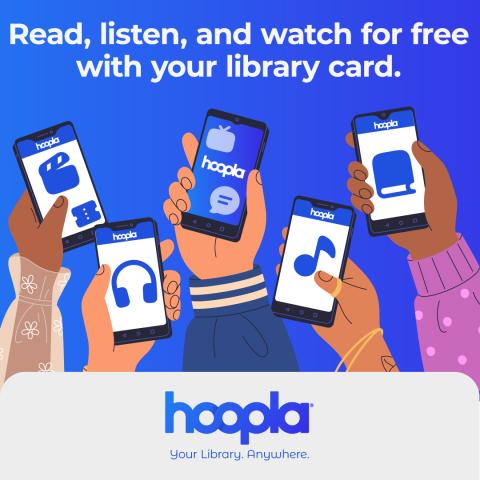
Why should I use Hoopla?
Hoopla has a vast array of brand new albums, audiobooks, ebooks and is the only place you can get digital movies and television shows through your local library. Plus, there is no wait time for your titles! You can watch Hoopla on your smart TV, as well as listen to you music and audiobooks through Apple CarPlay and Android Auto.
Frequently Asked Questions:
Q: How Do I Get Started with Hoopla?
A: Download the Hoopla app to your mobile device from the Google play store, Apple App Store or the Amazon Appstore. You can also use Hoopla right in your browser of your desktop or laptop by accessing hoopladigital.com. When in Hoopla, click 'get started' to start the process. Please be advised, you will need to have your 14 digit library card number.
Note: Hoopla cannot limit its content to only juvenile titles based on our BDL library card accounts. Therefore, if you would like your minor to have access to Hoopla, they must have adult borrowing privileges at the library. You can then limit the Hoopla app to Kids Mode, details below.
Q: Does Hoopla have lending periods?
A: Yes! Each format has it's own lending period:
- Movies and TV shows: 3 days.
- Music Albums: 7 days.
- Audiobooks, ebooks, comics: 21 days.
Q: What are Bonus Borrows?
A: Bonus Borrows allow users to access a curated selection of titles each month without using their regular library borrows for the last 7 days of the month. For other questions about Bonus Borrows see the Hoopla FAQ page here.
Q: What are BingePasses?
A: Unlock endless entertainment with BingePass! Enjoy seven days of on-demand streaming access to movies, digital magazines, crossword puzzles, podcasts for kids, lifelong learning courses, and more.
Q. Is there a way I can restrict what my child can check out?
A: Hoopla offers Kids Mode! Enjoy audiobooks, eBooks, comics and manga, music, movies, TV and BingePass all in this one family-friendly place and all curated for your kids. Find out how to enable Kids Mode here.
Q. What is the difference between Instant Borrows and Flex Borrows?
A: Instant titles are always available and allow for simultaneous usage by multiple patrons, assuming you have monthly borrows remaining. Flex titles are not simultaneous-use copies; that is, only one person at a time may borrow a Flex title. If a copy is out on loan, it cannot be borrowed again until returned. If a title is currently out on loan, you may place a hold on the title.
If we have not answered your questions, you can find more answers on the Hoopla FAQ Page, by contacting a library worker who can help you here at support@BranchDistrictLibrary.org or by downloading our Hoopla Brochure.
| Attachment | Size |
|---|---|
| hoopla-brochure.pdf | 12.11 MB |